Save the finished track
Keep the processed version inside Consoler.
Upload a song, tune the EQ, choose a style, make a cover, and keep the result in your personal library.
Choose a channel to inspect the real Consoler workflow. Every screen shown here comes directly from the app.
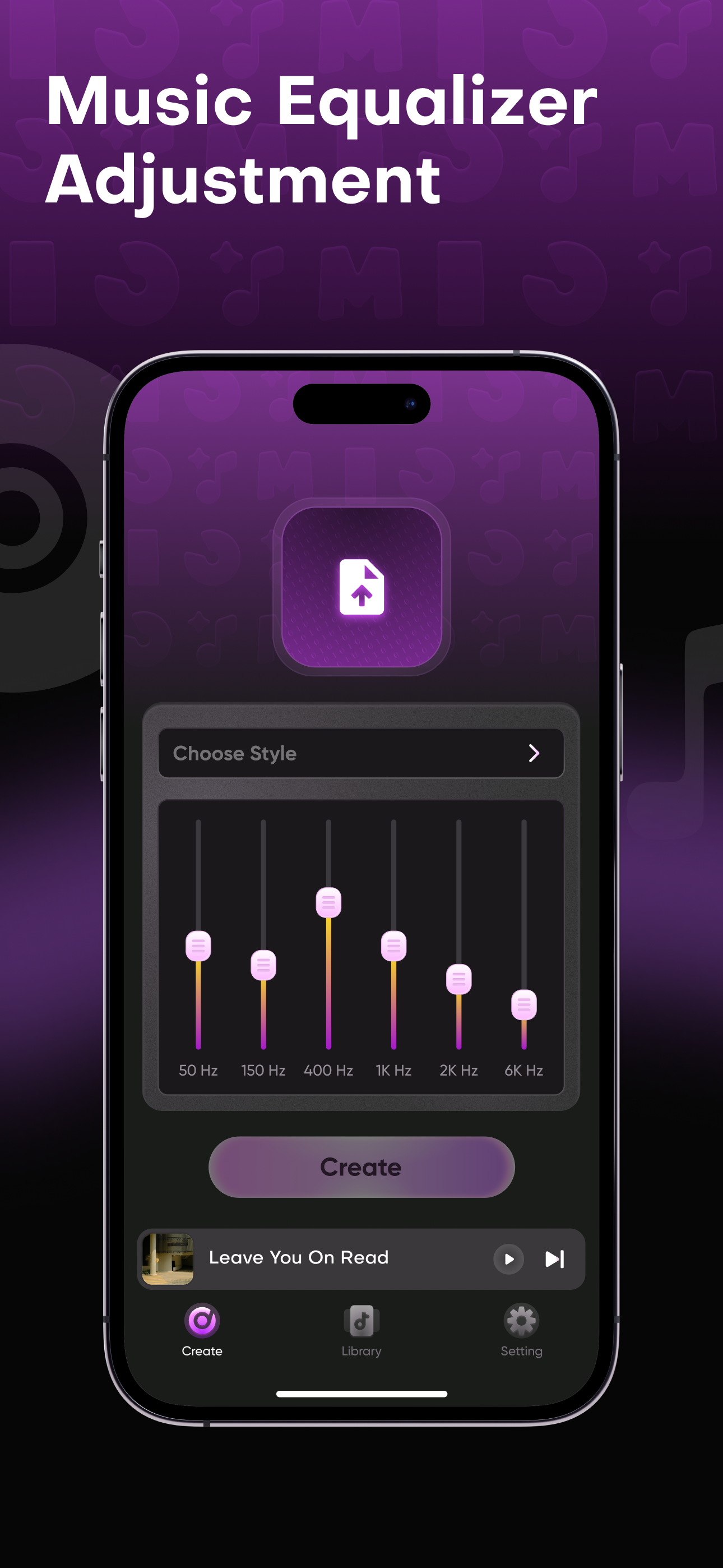
Adjust individual EQ bands and hear the track move toward the version you had in mind.
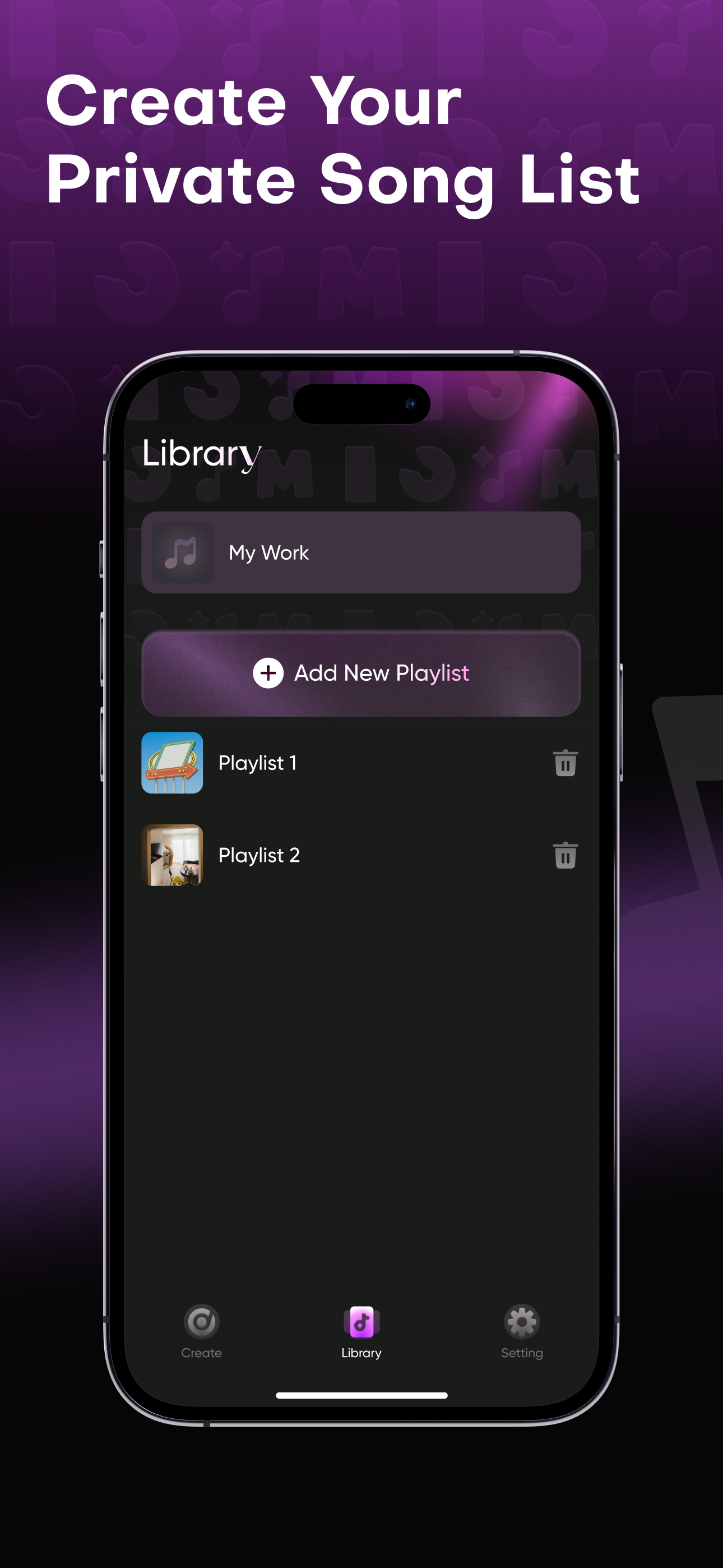
Save processed tracks, create playlists, and return to every version from one personal library.
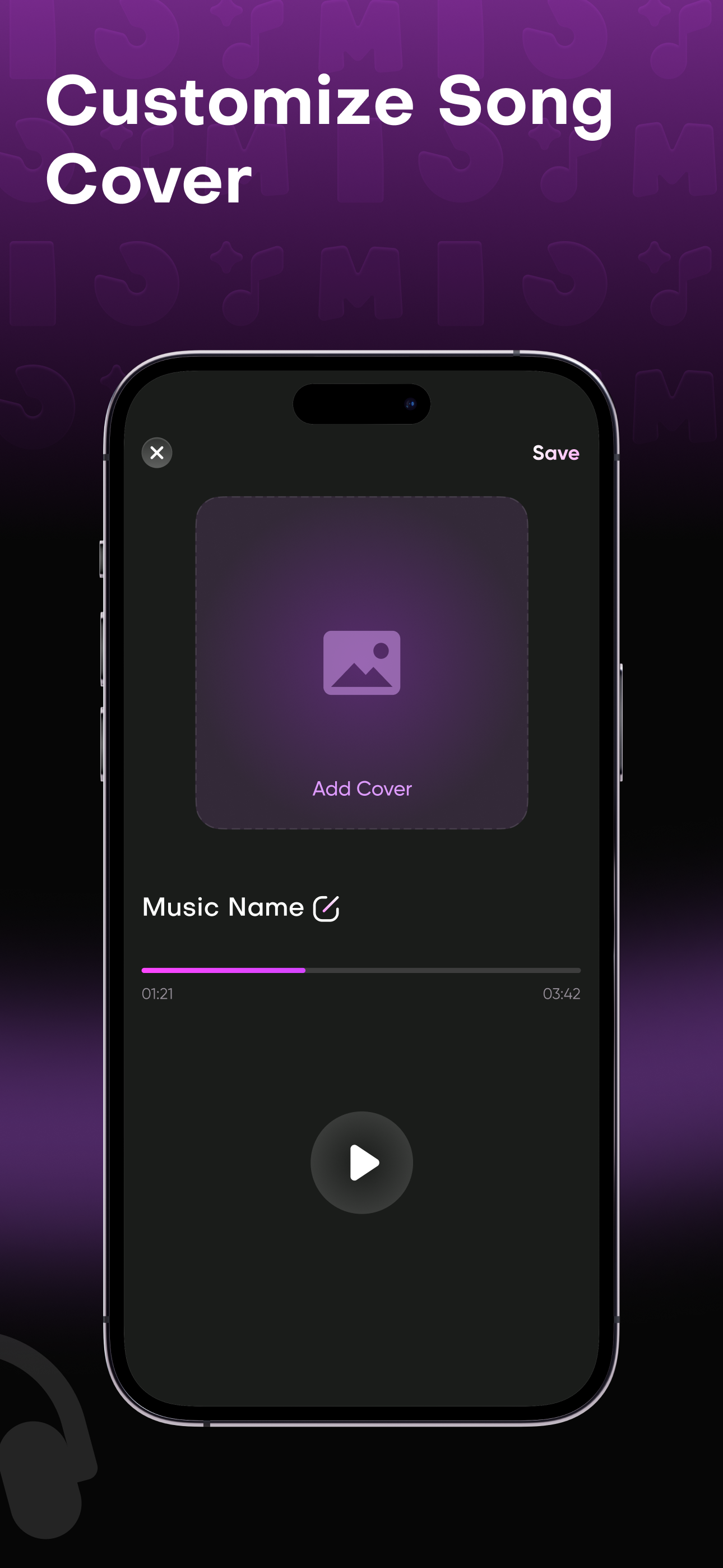
Keep the processed version inside Consoler.
Arrange songs around a mood, moment, or sound.
Move from creation to listening in the same library.
Questions and suggestions are welcome.